Most of your camera roll is stuff you will never look at again.
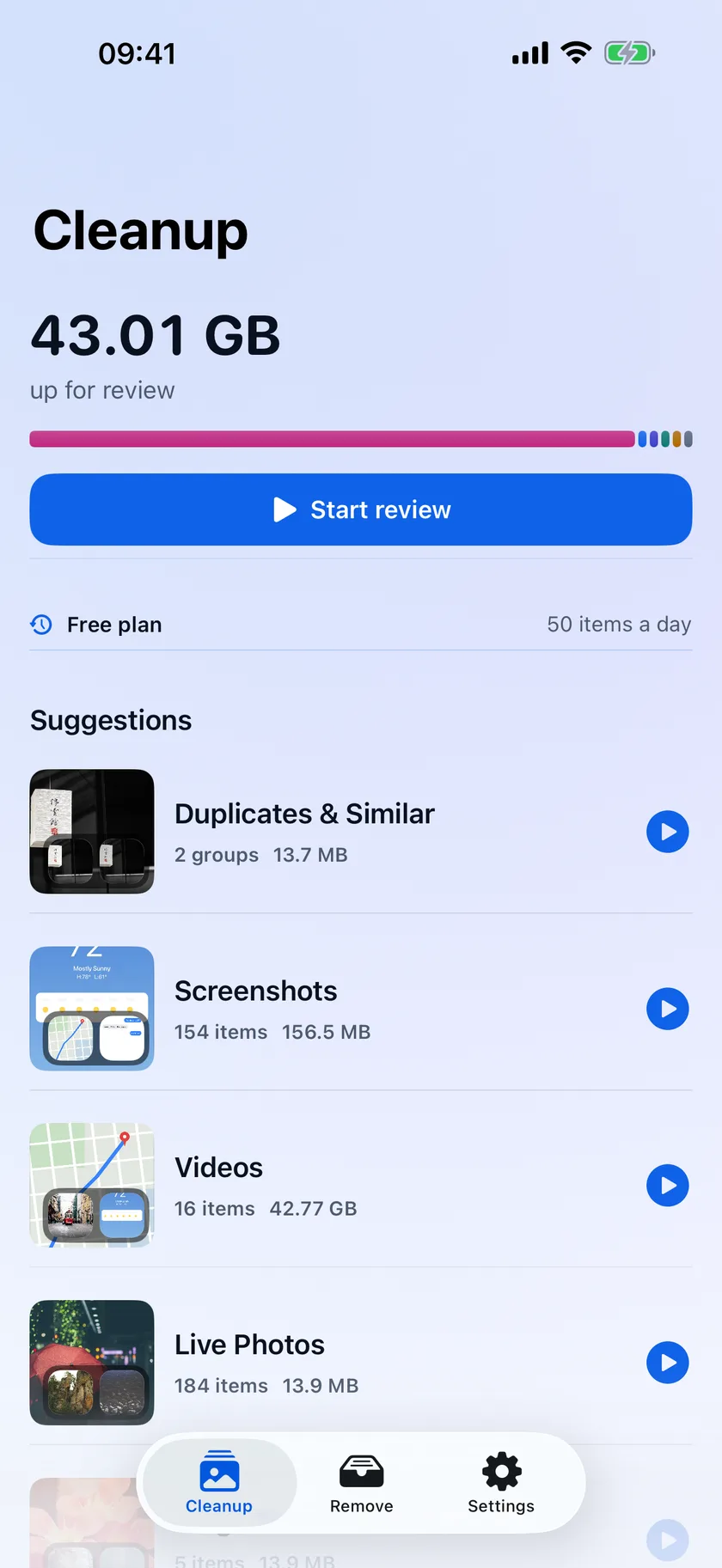
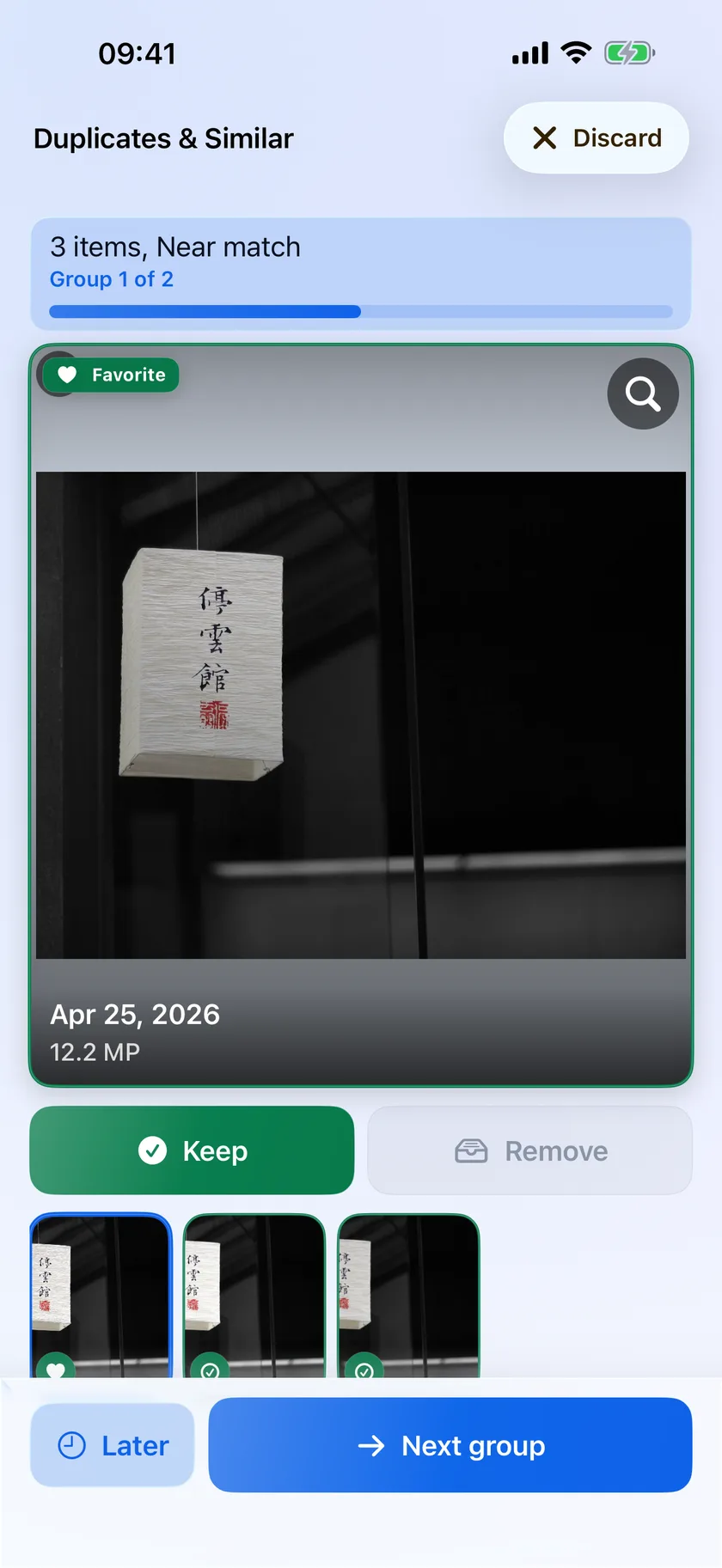
Rolless finds the screenshots, the near-identical bursts, the blurry misses, and the ten-minute videos — all on your iPhone. Then it hands you the pile and lets you decide.

Free on iPhone. No account, nothing uploaded.
A sample camera roll you can clean
0 MB
Nothing marked yet.
Tap any photo to overrule Rolless.
Every suggestion, weighed in gigabytes.
Nothing leaves your iPhone.
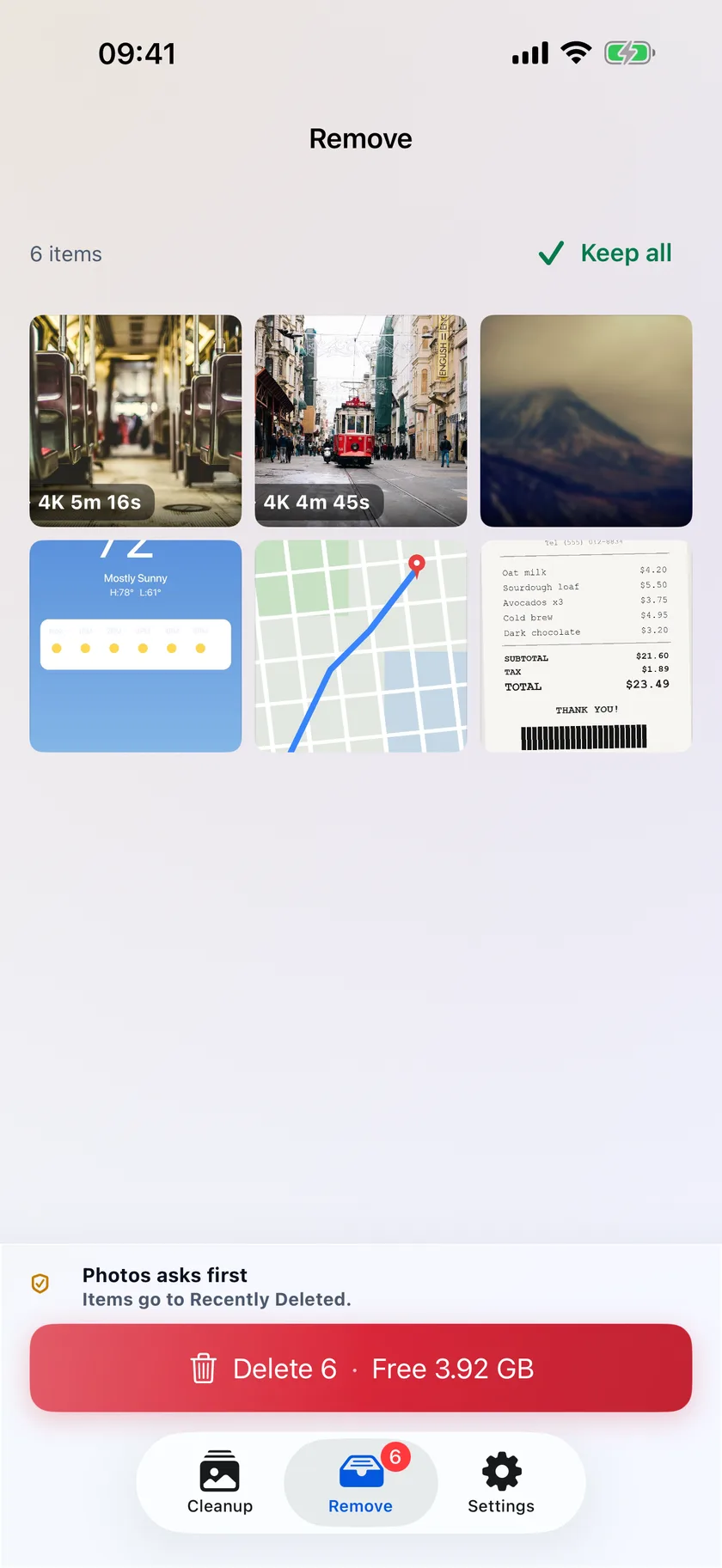
Rolless scans your library on-device. There is no account, no upload, and no server-side analysis of your photos. When you finish reviewing, Photos asks before it deletes anything, and everything you remove waits in Recently Deleted for 30 days.
Questions
- Will Rolless delete my photos on its own?
- No. Rolless only moves items to a Remove list. When you are ready, Photos asks you to confirm, and deleted items stay in Recently Deleted for 30 days.
- What does Rolless look for?
- Screenshots, large photos and videos, duplicate and similar shots, likely blurry photos, screen recordings, and likely receipts, documents, memes, and saved media.
- Does it work offline?
- Yes. Scanning and analysis run on your iPhone. Rolless does not require an account and never uploads your library for server-side analysis.
- Is Rolless free?
- Scanning, reviewing, and keeping are never limited. The free plan removes up to 50 items a day, and the count resets daily. Annual and lifetime plans lift the limit and add custom queues.
Get your storage back.
Free on iPhone. No account, nothing uploaded.
 Scan to open the App Store.